Auth layout
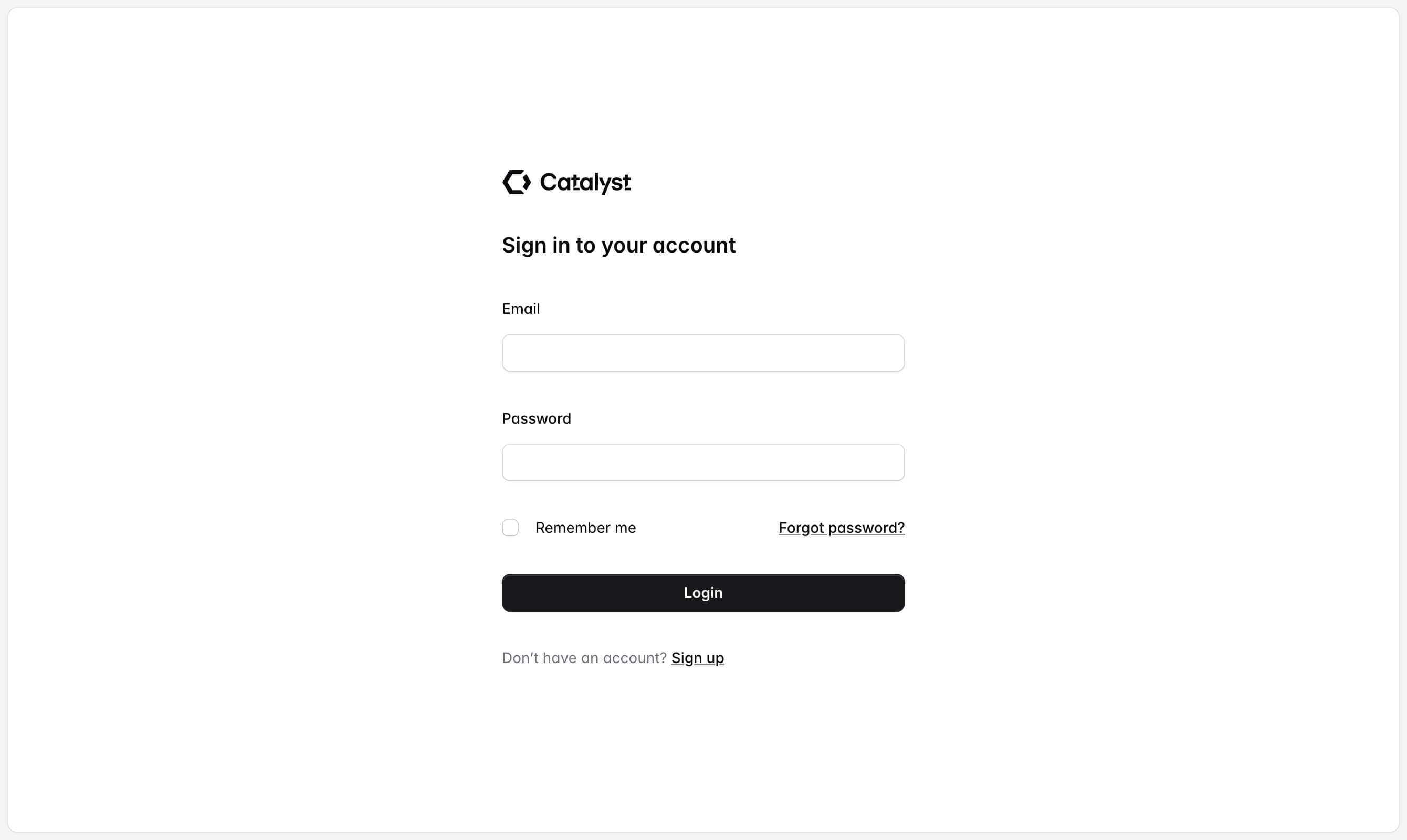
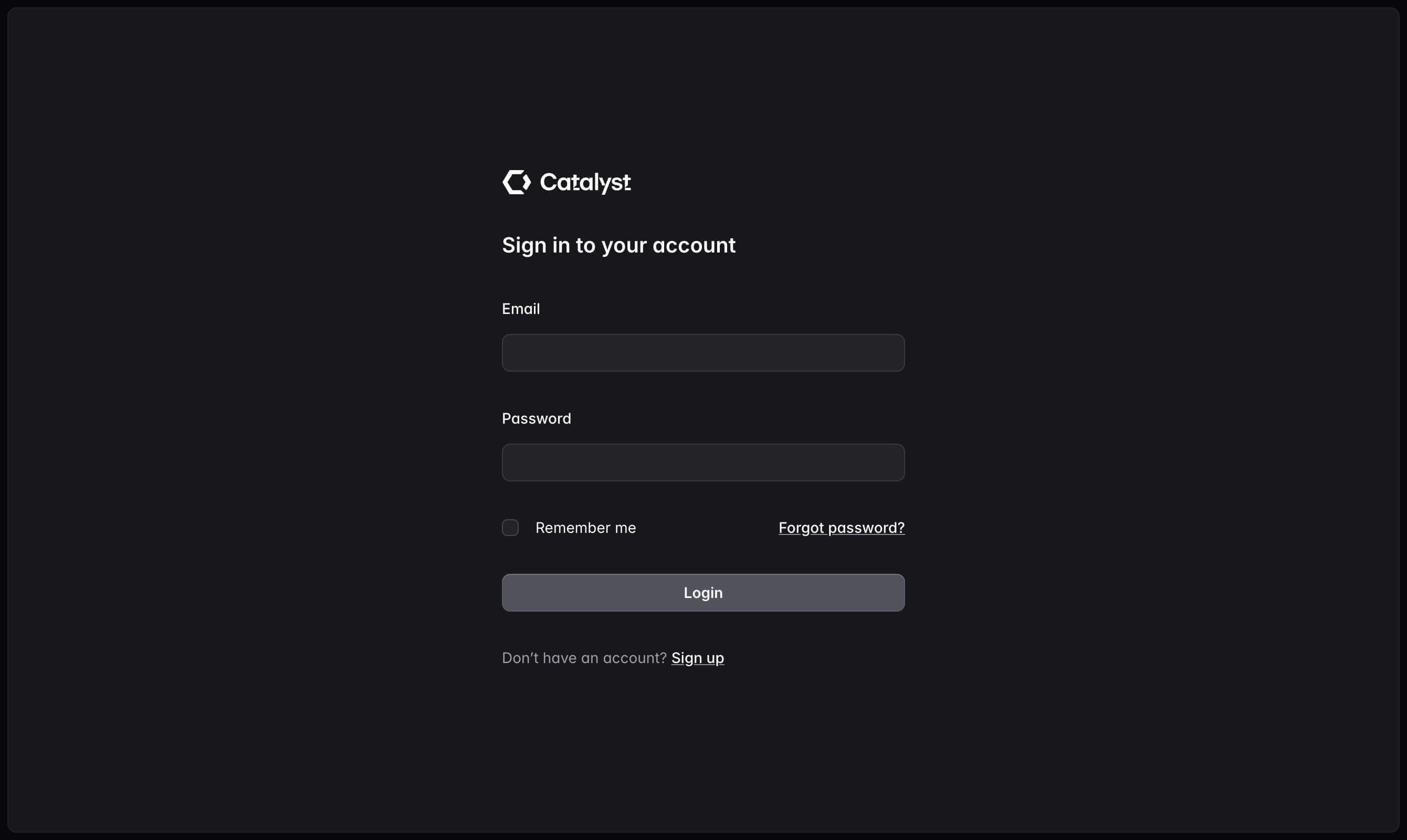
Not sure why auth pages are always centered, but we're not here to challenge the status quo.
<AuthLayout>
	<!-- Your page content -->
</AuthLayout>
Component API
| Prop | Default | Description |
|---|---|---|
AuthLayout extends the JSX <main> element | ||
children | - | The page content. |
Examples
Login page
Wrap your login form with the AuthLayout component to create a centered login page:
<script>
	import { AuthLayout } from '$lib/components/auth-layout';
	import { Button } from '$lib/components/button';
	import { Checkbox, CheckboxField } from '$lib/components/checkbox';
	import { Field, Label } from '$lib/components/fieldset';
	import { Heading } from '$lib/components/heading';
	import { Input } from '$lib/components/input';
	import { Strong, Text, TextLink } from '$lib/components/text';
	import Logo from './logo.svelte';
</script>

<AuthLayout>
	<form action="#" method="POST" class="grid w-full max-w-sm grid-cols-1 gap-8">
		<Logo class="h-6 text-zinc-950 dark:text-white forced-colors:text-[CanvasText]" />
		<Heading>Sign in to your account</Heading>
		<Field>
			<Label>Email</Label>
			<Input type="email" name="email" />
		</Field>
		<Field>
			<Label>Password</Label>
			<Input type="password" name="password" />
		</Field>
		<div class="flex items-center justify-between">
			<CheckboxField>
				<Checkbox name="remember" />
				<Label>Remember me</Label>
			</CheckboxField>
			<Text>
				<TextLink href="#">
					<Strong>Forgot password?</Strong>
				</TextLink>
			</Text>
		</div>
		<Button type="submit" class="w-full">Login</Button>
		<Text>
			Don’t have an account?
			<TextLink href="#">
				<Strong>Sign up</Strong>
			</TextLink>
		</Text>
	</form>
</AuthLayout>
Registration page
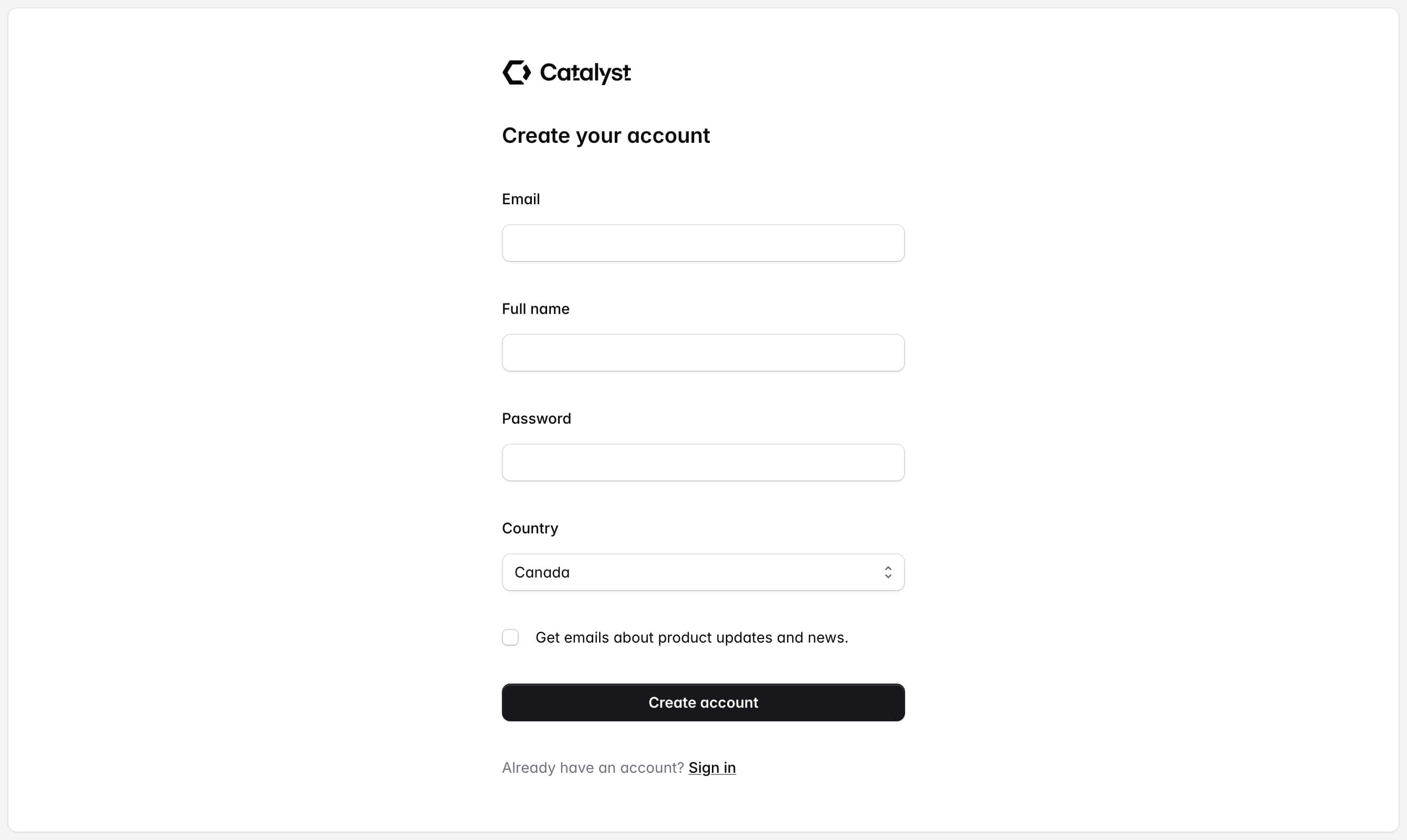
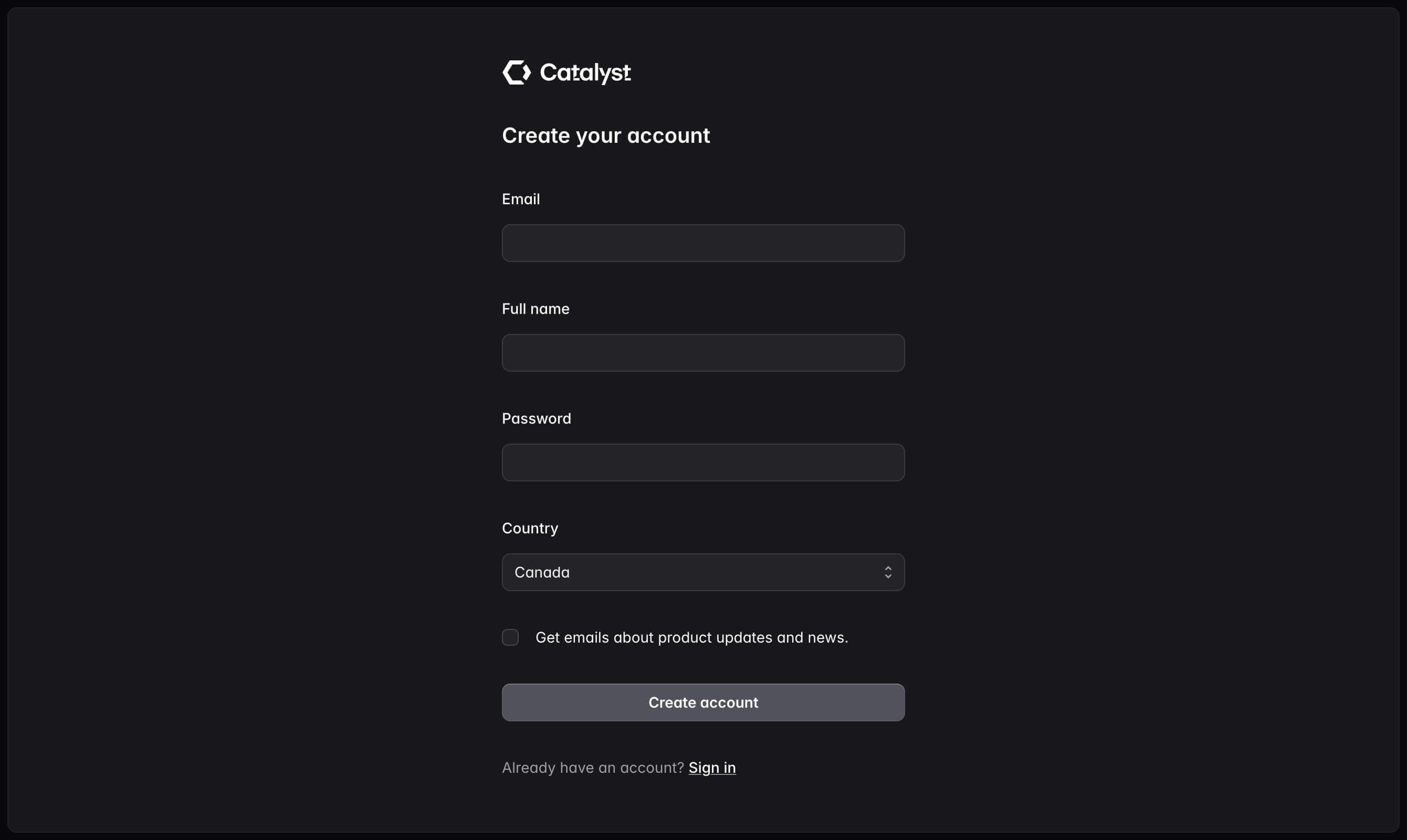
Wrap your registration form with the AuthLayout component to create a centered registration page:
<script>
	import { AuthLayout } from '$lib/components/auth-layout';
	import { Button } from '$lib/components/button';
	import { Checkbox, CheckboxField } from '$lib/components/checkbox';
	import { Field, Label } from '$lib/components/fieldset';
	import { Heading } from '$lib/components/heading';
	import { Input } from '$lib/components/input';
	import { Select } from '$lib/components/select';
	import { Strong, Text, TextLink } from '$lib/components/text';
	import Logo from './logo.svelte';
</script>

<AuthLayout>
	<form action="#" method="POST" class="grid w-full max-w-sm grid-cols-1 gap-8">
		<Logo class="h-6 text-zinc-950 dark:text-white forced-colors:text-[CanvasText]" />
		<Heading>Create your account</Heading>
		<Field>
			<Label>Email</Label>
			<Input type="email" name="email" />
		</Field>
		<Field>
			<Label>Full name</Label>
			<Input name="name" />
		</Field>
		<Field>
			<Label>Password</Label>
			<Input type="password" name="password" autocomplete="new-password" />
		</Field>
		<Field>
			<Label>Country</Label>
			<Select name="country">
				<option>Canada</option>
				<option>Mexico</option>
				<option>United States</option>
			</Select>
		</Field>
		<CheckboxField>
			<Checkbox name="remember" />
			<Label>Get emails about product updates and news.</Label>
		</CheckboxField>
		<Button type="submit" class="w-full">Create account</Button>
		<Text>
			Already have an account?
			<TextLink href="#">
				<Strong>Sign in</Strong>
			</TextLink>
		</Text>
	</form>
</AuthLayout>
Forgot password page
Wrap your forgot password form with the AuthLayout component to create a centered forgot password page:
<script>
	import { AuthLayout } from '$lib/components/auth-layout';
	import { Button } from '$lib/components/button';
	import { Field, Label } from '$lib/components/fieldset';
	import { Heading } from '$lib/components/heading';
	import { Input } from '$lib/components/input';
	import { Strong, Text, TextLink } from '$lib/components/text';
	import Logo from './logo.svelte';
</script>

<AuthLayout>
	<form action="" method="POST" class="grid w-full max-w-sm grid-cols-1 gap-8">
		<Logo class="h-6 text-zinc-950 dark:text-white forced-colors:text-[CanvasText]" />
		<Heading>Reset your password</Heading>
		<Text>Enter your email and we’ll send you a link to reset your password.</Text>
		<Field>
			<Label>Email</Label>
			<Input type="email" name="email" />
		</Field>
		<Button type="submit" class="w-full">Reset password</Button>
		<Text>
			Don’t have an account?
			<TextLink href="/demos/auth/register">
				<Strong>Sign up</Strong>
			</TextLink>
		</Text>
	</form>
</AuthLayout>